Mr.Flintlock
If you want to upload from your hard drive they must resized to less than 100KB. There are several programs you can do this with but problably one of the more common ones that you have is MS Paint. Load the picture into the Paint program and pyhsically reduce the size of the picture - just make it smaller - save it to your desktop then check the properties of the pic and see if it is less than 100kb
A more common way is to go online to:
www.photobucket.com
Register yourself then upload your pictures to them. When your picture up-loads and you save it there just put you mouse on the picture and copy the 'Driect Link' address such at this...
http://img.photobucket.com/albums/v1...highLength.jpg
Paste it in your message as I have done... All you have to do now is get the

.
(
![]()http://img.photobucket.com/albums/v130/sabotloader/LehighLength.jpg()
)
So the final line will look like this - but I have changed the brackets before and after [img] to parenthesis so you can see the line.
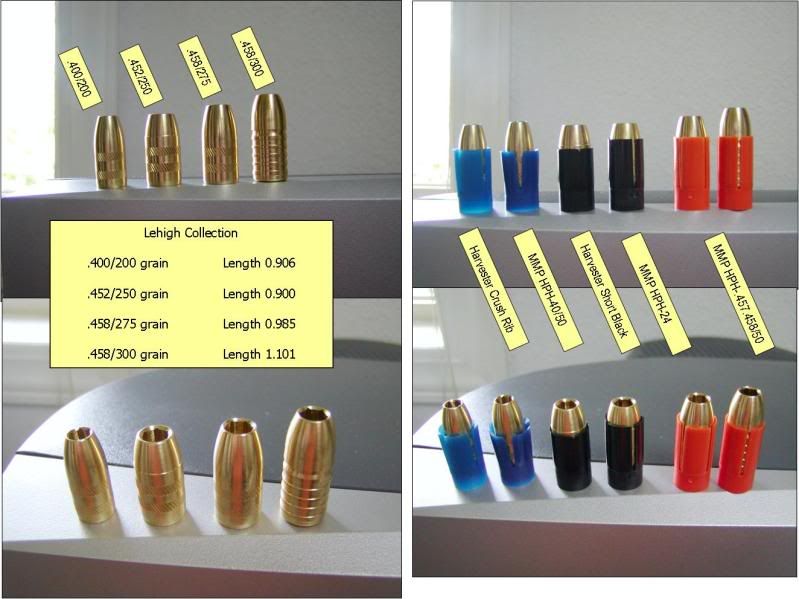
When you are done click ok and the picture should show up like this...
Get you account set up on photobucket (it is free) and then let me know and I will help you through.