Well, I'm not Carp, but I can help you. This is the easiest way I've found to do it.
1. Register with Photobucket
2. Go to my album
3. You should see a browse icon near the top of the page
4. Click that and navigate to the picture you want to upload
5. Click submit and wait while it uploads
6. You should scroll down and then see the picture there
7. Directly under the pciture it should say URL and then show something that looks like this
http://img.photobucket.com/albums/v505/KonaBoy_93/CorytheOpus2.jpg
8. Copy this
9. Go to the post you want to reply to
10. There's an add image button (furtherst right, looks like a mountain)
11. Click that and post the URL you copied and you're good.
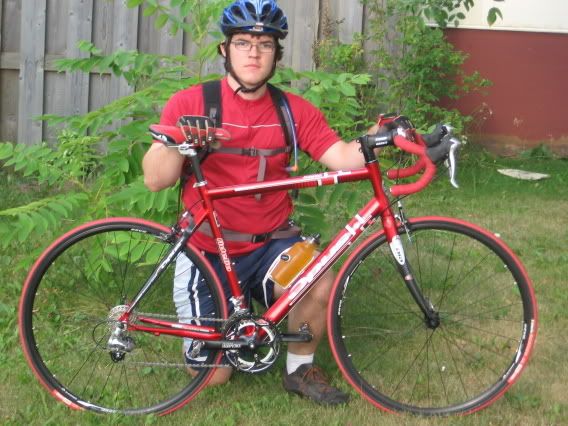
If you're still having problem's, P.M me
Cory