HuntingNet.com Forums

HuntingNet.com Forums (https://www.huntingnet.com/forum/)
-   Video & Photography (https://www.huntingnet.com/forum/video-photography-86/)
-   -   Some random pics (https://www.huntingnet.com/forum/video-photography/284244-some-random-pics.html)

solocamcan 01-26-2009 12:01 PM

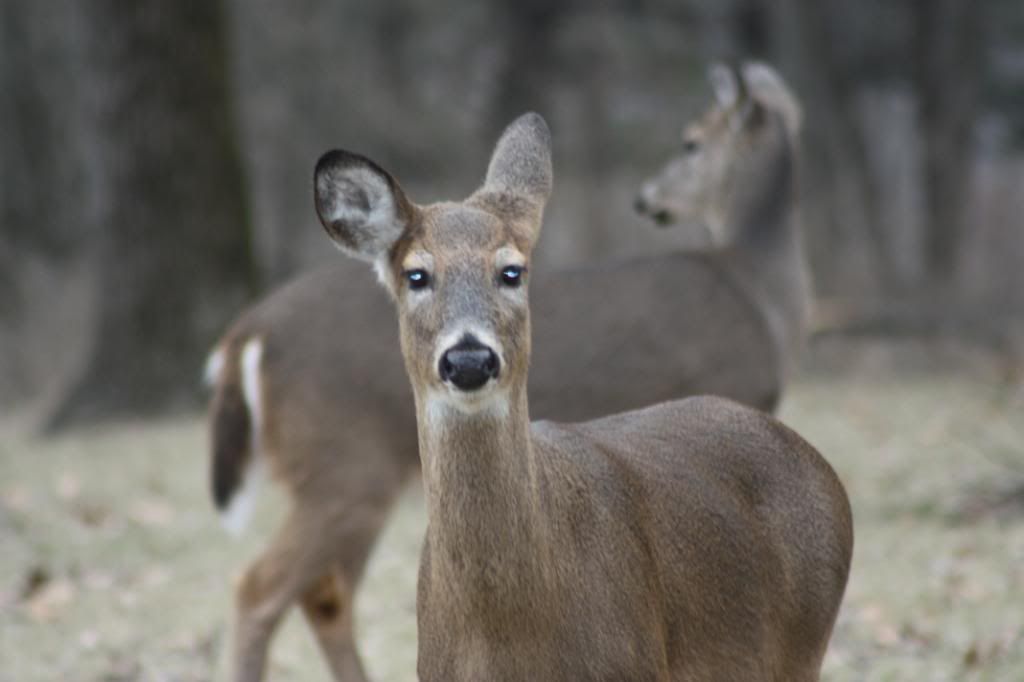
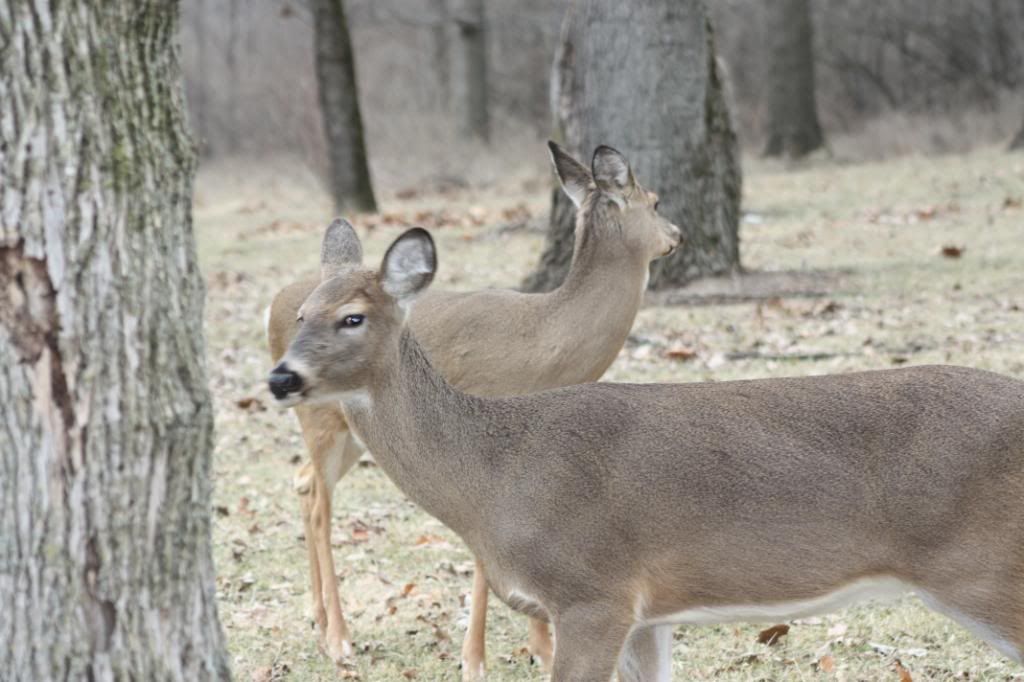
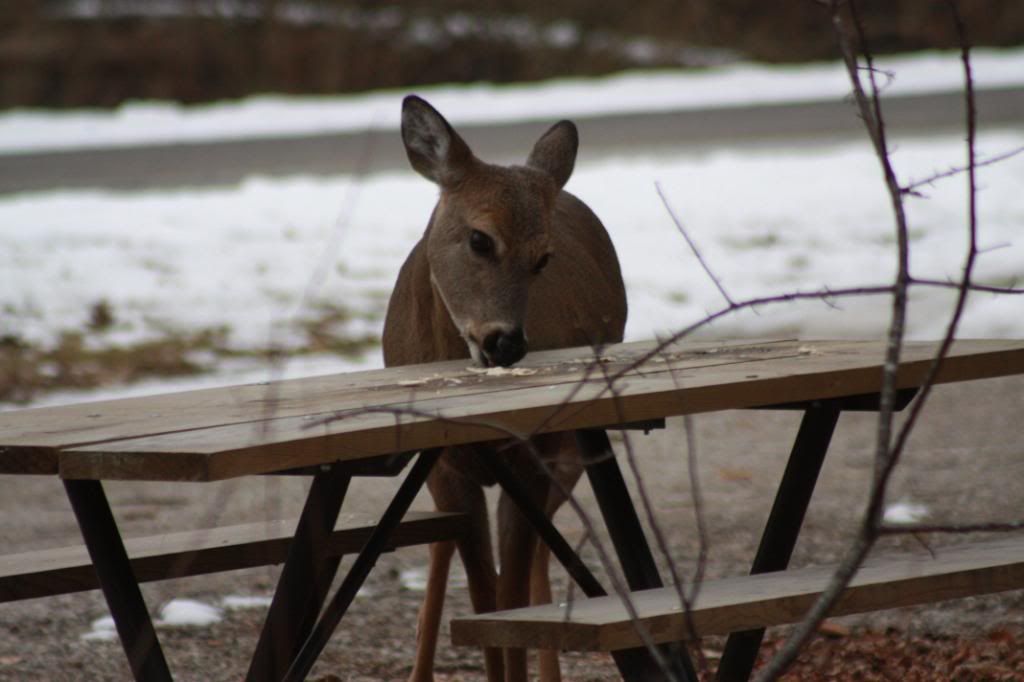
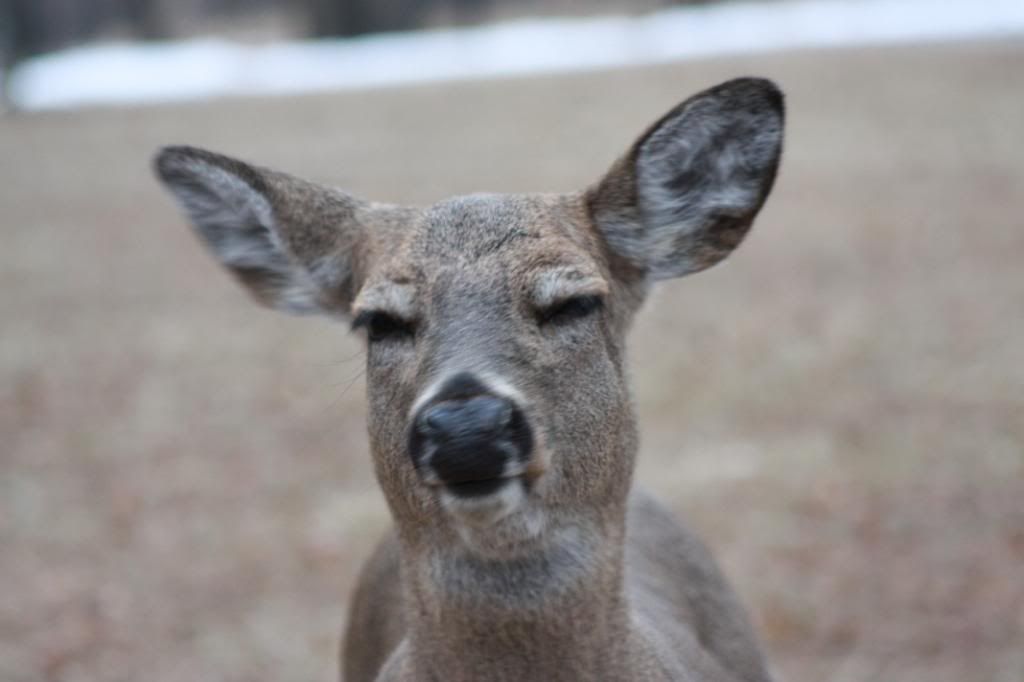
Some random pics
 
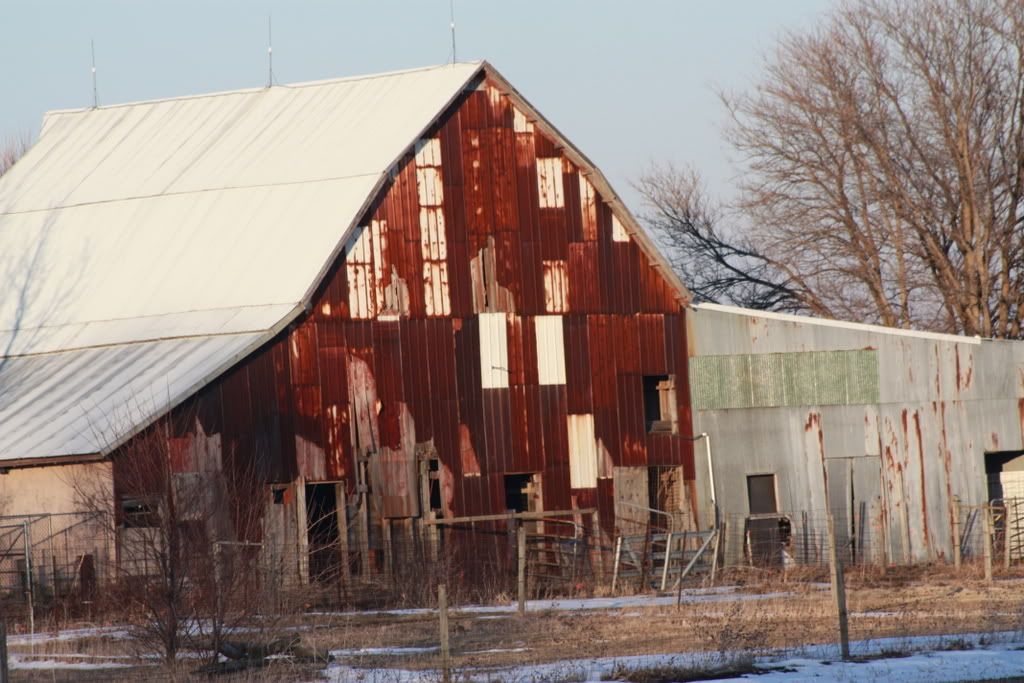
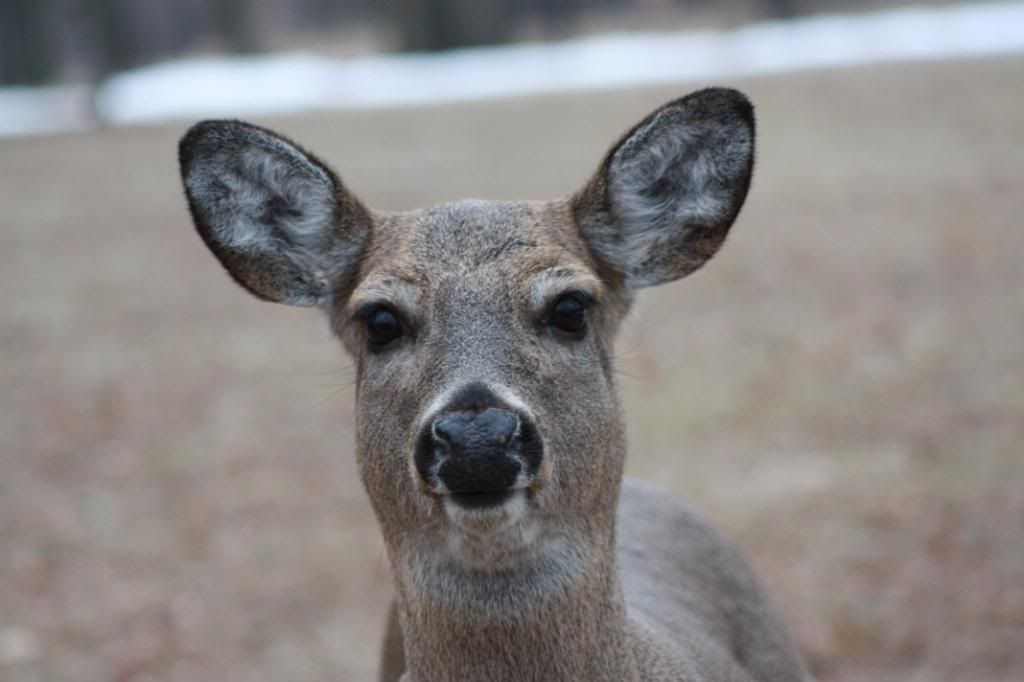
Got my new Canon EOS Xsi 450D and just messing with it, alot to figure out:)


Bergcrane2 01-26-2009 06:38 PM

RE: Some random pics
 
I love the barn. You may want to straighten it though. It has a lean to the left. Just being picky though.;)

solocamcan 01-26-2009 07:46 PM

RE: Some random pics
 

ORIGINAL: Bergcrane2

I love the barn. You may want to straighten it though. It has a lean to the left. Just being picky though.;)
Ya I know, my wife was driving and pulled down into the ditch, so I myself was slanted. Is there a way to "fix" that with photoshop???

Bergcrane2 01-27-2009 02:22 AM

RE: Some random pics
 

ORIGINAL: solocamcan


ORIGINAL: Bergcrane2

I love the barn. You may want to straighten it though. It has a lean to the left. Just being picky though.;)
Ya I know, my wife was driving and pulled down into the ditch, so I myself was slanted. Is there a way to "fix" that with photoshop???
Yeah there is. I actually use Corel Paint Shop Pro Photo. It's very easy to use. There is an option where you make two points on the picture that you know are supposed to be level, and it'll turn the image to those points.Here, I turned it a bit. Problem is when using JPG files, they degrade every time you modify them. I try saving them as a .tif file first, which is uncompressed and then make any modifications from that file.


solocamcan 01-27-2009 08:54 AM

RE: Some random pics
 

ORIGINAL: Bergcrane2


ORIGINAL: solocamcan


ORIGINAL: Bergcrane2

I love the barn. You may want to straighten it though. It has a lean to the left. Just being picky though.;)
Ya I know, my wife was driving and pulled down into the ditch, so I myself was slanted. Is there a way to "fix" that with photoshop???
Yeah there is. I actually use Corel Paint Shop Pro Photo. It's very easy to use. There is an option where you make two points on the picture that you know are supposed to be level, and it'll turn the image to those points.Here, I turned it a bit. Problem is when using JPG files, they degrade every time you modify them. I try saving them as a .tif file first, which is uncompressed and then make any modifications from that file.


Thanks for that tip about files....didn't know that.

Bergcrane2 01-28-2009 07:03 AM

RE: Some random pics
 
Actually solo, I'm partially right. .tif and .tiff files ARE compressed , but it's a lossless compression. http://en.wikipedia.org/wiki/Tagged_Image_File_Format
.RAW files are just that. Raw. They are the image directly from the sensors on the camera. If you have a program that can download the .raw files from the camera, that's the highest quality image you can get. Then you can change it to any format you like from that. http://en.wikipedia.org/wiki/RAW_image_format


All times are GMT -8. The time now is 11:31 AM.


Copyright © 2026 MH Sub I, LLC dba Internet Brands. All rights reserved. Use of this site indicates your consent to the Terms of Use.