|
Photos
How do you download photos to this site. I'm computer stupid.
|
RE: Photos
First things first. You "upload" photos to this site - and then it's not really this site. You actually upload the photos to an image storage site, then link the photo within your picture. The browser, usually Internet Explorer, shows the photo automatically if it has the correct "tags" before and after the photo link.
First go here (one of many photo sites I've had luck with): http://www.photobucket.com/ Create a personal account, then upload your pictures per the sites directions. Each photo will have a line of code beneath it. For example from the "Direct Link" line of code: http://img.photobucket.com/albums/v429/mrfritz44/IMG_3699Medium.jpg Copy this line of code (highlight the whole line with your mouse and hit theCtrl key and "C" at the same time) Compose a regular message on this board and click the "Add Image" button. It's an icon of a mountain with a yellow background.  In the line that begins "http://", paste the line of code from the other site (highlight the "http://", then hit the Ctrl key and "V") You should see a picture appear as below. 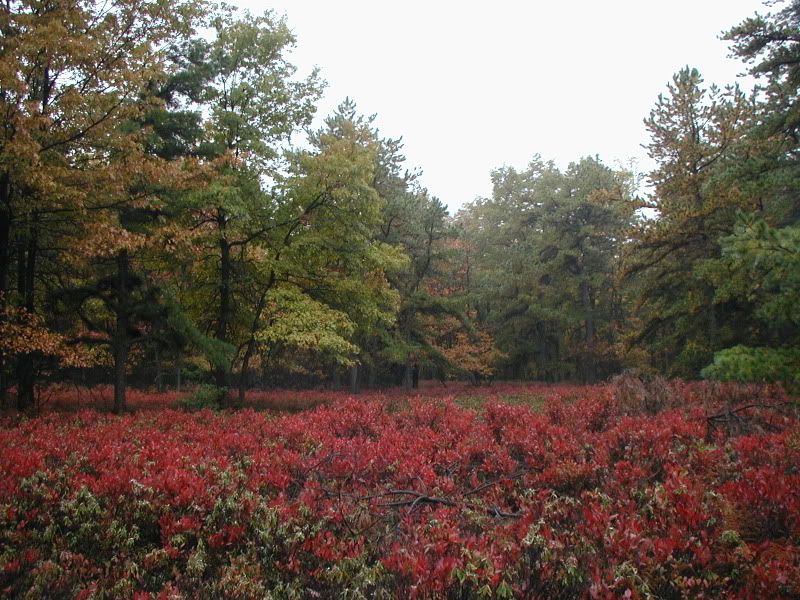 |
RE: Photos
OR...
Go to "Click here to upload!" Browse... in My Pictures Resize if needed, May have to dwld a resizer. Then click, "Embed in post" box. |
RE: Photos
Excellent response mrfritz...I added the image icon, I hope you don't mind.
|
RE: Photos
Thank you, I keep getting an error message, I hate modern technology.
|
RE: Photos
Is it "File is too large" ?
If so, you need to resize the photo, Max is 100 kb... I have Microsoft Image Resizer Powertoy. Look on Microsofts web site and look for powertoys, you'll find a resizer. Its free and only takes a few minutes to install. Very simple. Then you can right click your photos and resize them to custom or preset sizes... Good luck. |
| All times are GMT -8. The time now is 05:25 PM. |
Copyright © 2026 MH Sub I, LLC dba Internet Brands. All rights reserved. Use of this site indicates your consent to the Terms of Use.